How to Design a Stunning WordPress Website with Elementor
Your website is often the first impression your brand makes online. A visually appealing, user-friendly, and well-structured website can attract visitors, increase engagement, and convert leads into loyal customers. WordPress, combined with Elementor, is one of the best ways to create stunning websites without coding.
Why Choose WordPress and Elementor
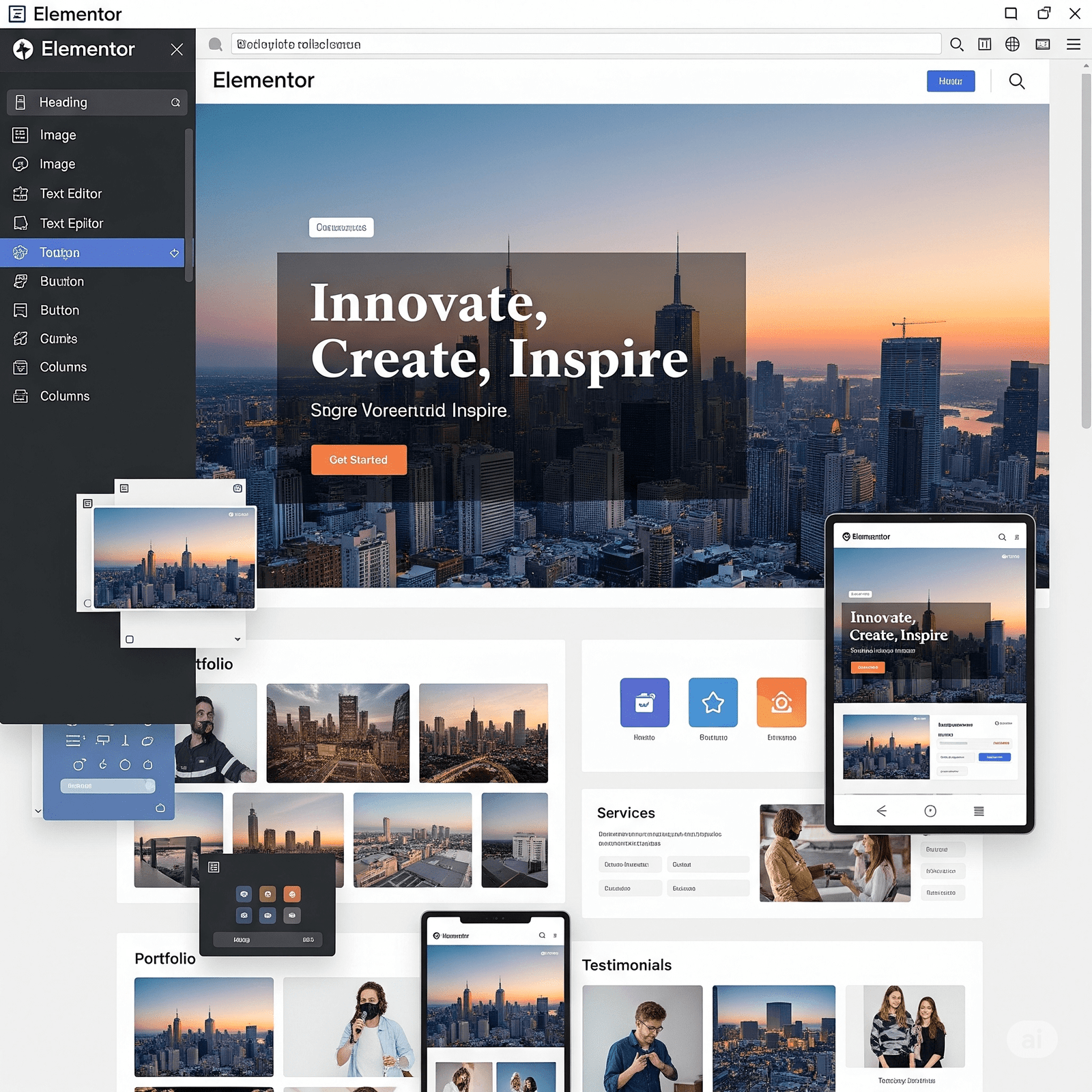
WordPress is the world’s most popular CMS, offering flexibility, plugins, and customizable themes. Elementor, a drag-and-drop page builder, allows you to design complex layouts visually. Together, they provide:
- Real-time editing and preview
- Pre-built templates for fast design
- Responsive controls for mobile and tablet
- Advanced styling, motion effects, and popups
Planning Your Website Design
Before designing, plan your website structure:
- Define Your Goal: Portfolio, business, or e-commerce site?
- Sketch Layouts: Plan header, content sections, and footer.
- Choose Colors & Fonts: Limit to 3–5 colors and pair fonts for headings and body text.
- User Flow: Ensure visitors can navigate easily.
Pro Tip: Use mood boards to visualize your design style.
Choosing the Right Theme
Select a lightweight, Elementor-friendly theme for better performance:
- Hello Elementor – minimalist and fully customizable
- Astra – fast and pre-built templates
- GeneratePress – highly flexible and responsive
Avoid bloated themes—they slow your site and limit design options.
Designing Pages with Elementor
Hero Section
- Use high-quality images or videos as background
- Add overlay gradients for readability
- Include strong headings and call-to-action buttons
Content Sections
- Break content into sections with images, text, and icons
- Alternate layouts for visual interest
- Add subtle animations to engage users
Testimonials & CTAs
- Showcase client feedback with images for authenticity
- Use contrasting colors and clear placement for CTAs
Advanced Design Tips
- Responsive Design: Adjust layouts, font sizes, and spacing for mobile and tablet.
- Shape Dividers & Section Styling: Use angled or curved dividers for a modern look.
- Motion Effects: Apply subtle animations to enhance interaction.
- Templates & Reusable Widgets: Save headers, footers, and sections for consistent design.
Final Design Tips
- Keep it minimal—avoid clutter
- Maintain color, font, and spacing consistency
- Use high-quality images and videos
- Focus on usability alongside creativity
- Test across devices and browsers
Conclusion
Designing a stunning WordPress website with Elementor is about combining aesthetics and functionality. By planning layouts, using Elementor’s features wisely, and focusing on consistent design, you can create a professional, engaging, and responsive website that leaves a lasting impression.

July 16, 2025